Reduce photo size in KB
Pick a limit such as 20, 50, 100 or 200 KB and get a JPG under it, made on your phone. If a form also asks for exact pixels, like NYSC (200 x 200 pixels, 7 to 15 KB), use Form Photo instead.
Make yours free in 2 minutes · Exact pixels and KB for a form (Form Photo)
How to do it
- Pick the limit the form asks for, or type your own.
- Tap Make yours free in 2 minutes and choose the photo.
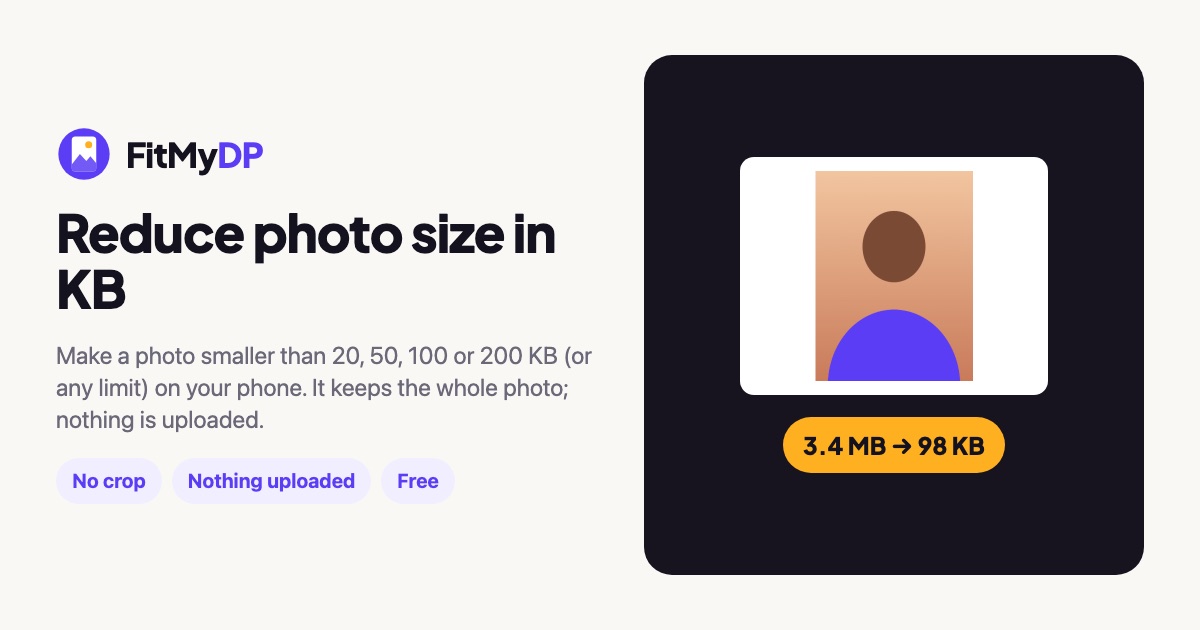
- Check the line under the photo: it shows the size before and after.
- Tap Save photo and upload the file.
Questions
How does it make the file smaller?
It lowers the JPEG quality first, then the number of pixels, only as much as needed. The photo is never cropped.
Why does the portal still say my file is too big?
Some portals count 1 KB as 1,000 bytes and others as 1,024. FitMyDP counts 1,000 for the limit, so the file passes either way.
My form needs a minimum size too.
Use Form Photo: it has presets with exact pixels and a minimum and maximum KB, such as NYSC 7 to 15 KB, and never goes under the minimum.
Is my photo uploaded?
No. Your photo is edited inside your browser on your own phone or computer. It is never sent to a server, and it works offline after your first visit.
Not affiliated with WhatsApp or Meta.